 DOC
Settings
The settings of the plugin: delegation controls and notifications.
Settings are located at Site administration > Plugins > Local plugins > Delegated account settings, in four tabs: Delegations, Notifications, Messages and Session permissions.
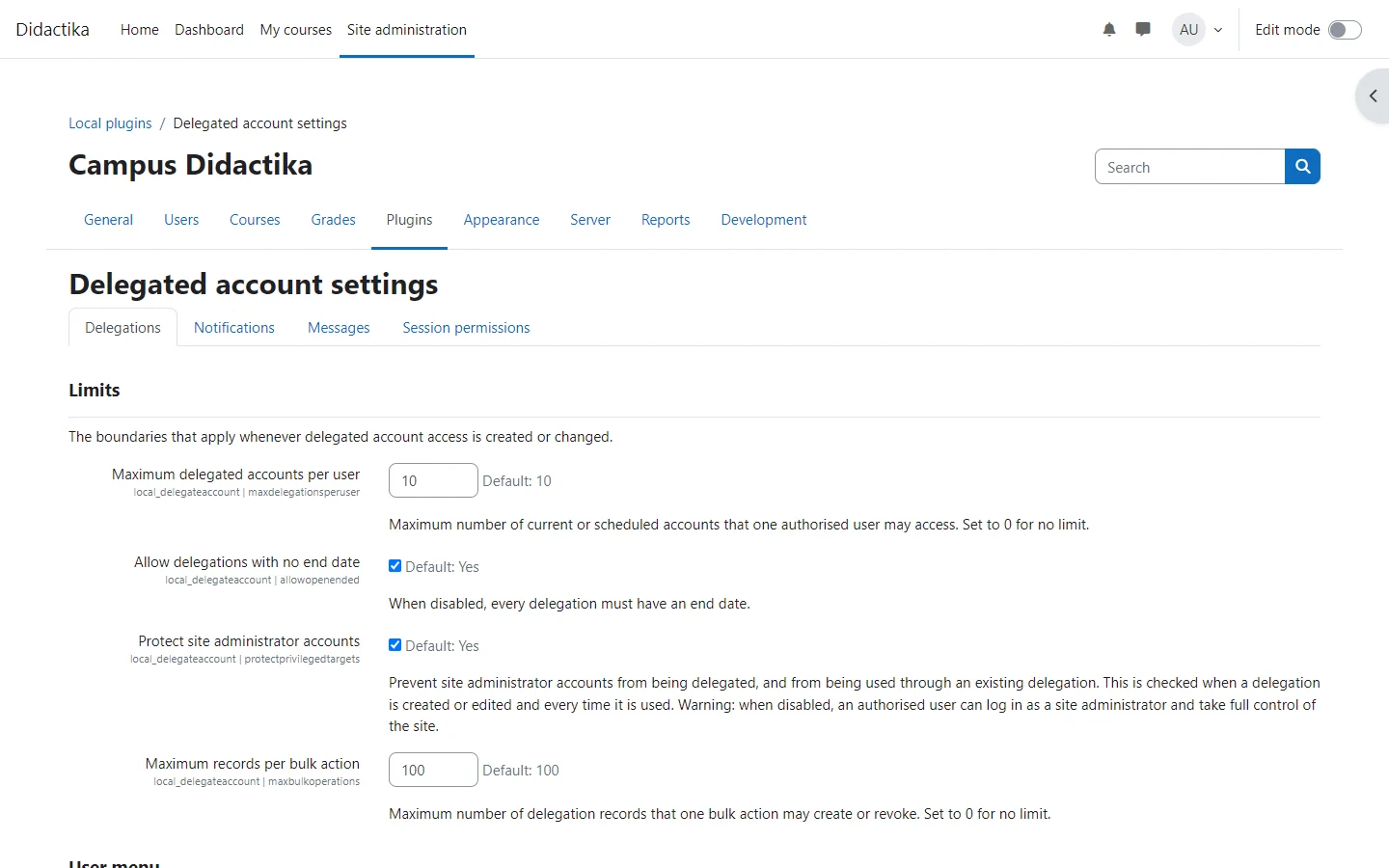
Delegation controls
Section titled “Delegation controls”| Setting | Default | Description |
|---|---|---|
| Maximum delegated accounts per user | 10 | How many current or scheduled delegations one authorised user can have. Enter 0 for no limit |
| Allow delegations with no end date | On | When off, every delegation needs an end date |
| Maximum delegation duration | 0 | The longest a delegation can last, in days. Only shown and applied when Allow delegations with no end date is off. 0 means no limit |
| Protect site administrator accounts | On | Site administrators cannot be delegated, and an existing delegation stops working if its account becomes an administrator |
| Maximum records per bulk action | 100 | How many delegations one bulk action can create, edit or revoke. Enter 0 for no limit |
| Delegated accounts shown in the user menu | 10 | Accounts listed in the user menu before View all delegated accounts. Enter 0 to list them all |
Notifications
Section titled “Notifications”| Setting | Default | Description |
|---|---|---|
| Notification policy | Allow the person creating the delegation to choose | Or Always notify, or Never notify. Never notify sends nothing, also for delegations created before it was selected, and hides the other notification settings |
| Notification recipients | Both users | The authorised user, the delegated account, or both |
| Notify when a delegation is revoked | On | Also notify when access is revoked |
| Subject and message when access is granted or revoked | Empty | One subject and one message per action for each installed language. Empty fields use the built-in text, which is worded for each recipient. A custom message is sent unchanged to both recipients, so write it to read well for both |
The step by step is in the notifications guide.