 DOC

Delegate account
Let chosen people log in as other accounts, only when and for as long as you allow it.
Delegate Account (local_delegateaccount) is a Moodle local plugin that gives specific people access to specific accounts. An administrator decides who may act as whom and for which period. The person then opens the account from their user menu through Moodle’s own Log in as, and everything they do is recorded in the site log under both names.
Find your way
Section titled “Find your way”Pick the route that matches what you want to do. Each one lists the pages to read, in order, with what each is for.
I administer the site
Install the plugin, give the permission and create your first delegation.
- InstallationRequirements, and how to install the plugin from a release or from Git.
- Give people permissionCreate the role that lets people use delegations, and assign it.
- Quick startFrom a fresh install to a person working in a delegated account, in five steps.
- Create delegationsChoose who may open which accounts, and when.
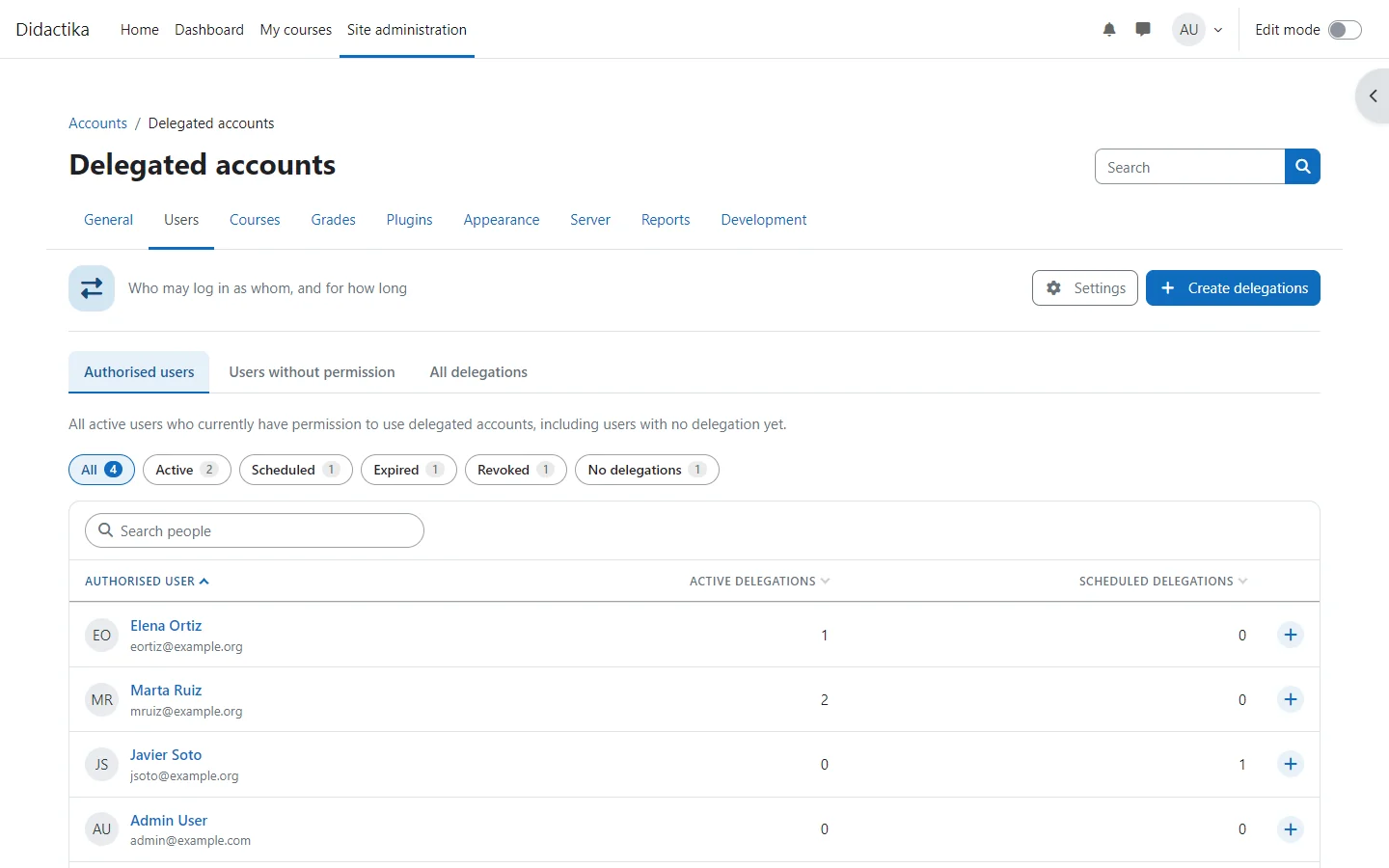
- Manage delegationsFind, edit, revoke and review delegations, one at a time or in bulk.
I use delegated accounts
Open an account from your user menu, work in it and leave it.
I build on it or review it
Understand how access is decided and how the plugin is built, then integrate it.
- How access is decidedThe two conditions that must hold, the life of a delegation and when a delegated session ends.
- Security modelWhat the plugin never does, what protects the site and what to trust people with.
- Technical documentationHow Delegate Account is built: what it models, what it must do, how it is analysed and designed, and where each part lives in the code.
- Web-service integrationThe functions of the web service, the capability each needs, its limits and examples.
- EventsThe events the plugin triggers, so other plugins and the log can follow every change.
How this documentation is organised
Section titled “How this documentation is organised”Getting started
Install the plugin, give the permission and complete a first task.
Concepts
Why it works the way it does: the model, the lifecycle and the limits.
Guides
One task per page, with the screens you will see.
Reference
Every setting, capability, event and web-service function.
Technical documentation
The domain model, use cases, analysis, design and a map to the code.
Why it exists
Section titled “Why it exists”Some people need to work inside another person’s account: a support team fixing a profile, an assistant managing a manager’s calendar, a teacher covering for a colleague. Moodle’s Log in as capability lets someone open any account they can see, with no time limit. Delegate Account narrows that down to explicit, time-bound pairs. How access is decided explains the two conditions and the life of a delegation.
What it does
Section titled “What it does”Time-bound delegations
A start date, an optional end date and explicit revocation, with a full history of who created, changed and revoked each one.
Bulk management
Create delegations for several people and several accounts at once, and edit or revoke many together.
Session permissions
Allow, prevent or prohibit any capability while someone works through a delegation, without creating roles.
Activity report
Every event recorded while an account was used through a delegation, with date, component and action filters.
Site limits
Maximum delegations per person, maximum duration, maximum records per bulk action and protection of administrators.
Notifications
Optional messages when access is granted or revoked, in each recipient’s language and customisable per language.
Besides, people with delegations open them from Delegated accounts in their user menu, and the plugin offers events for every change, a restricted web service and support for the Privacy API.