 DOC
Give people permission
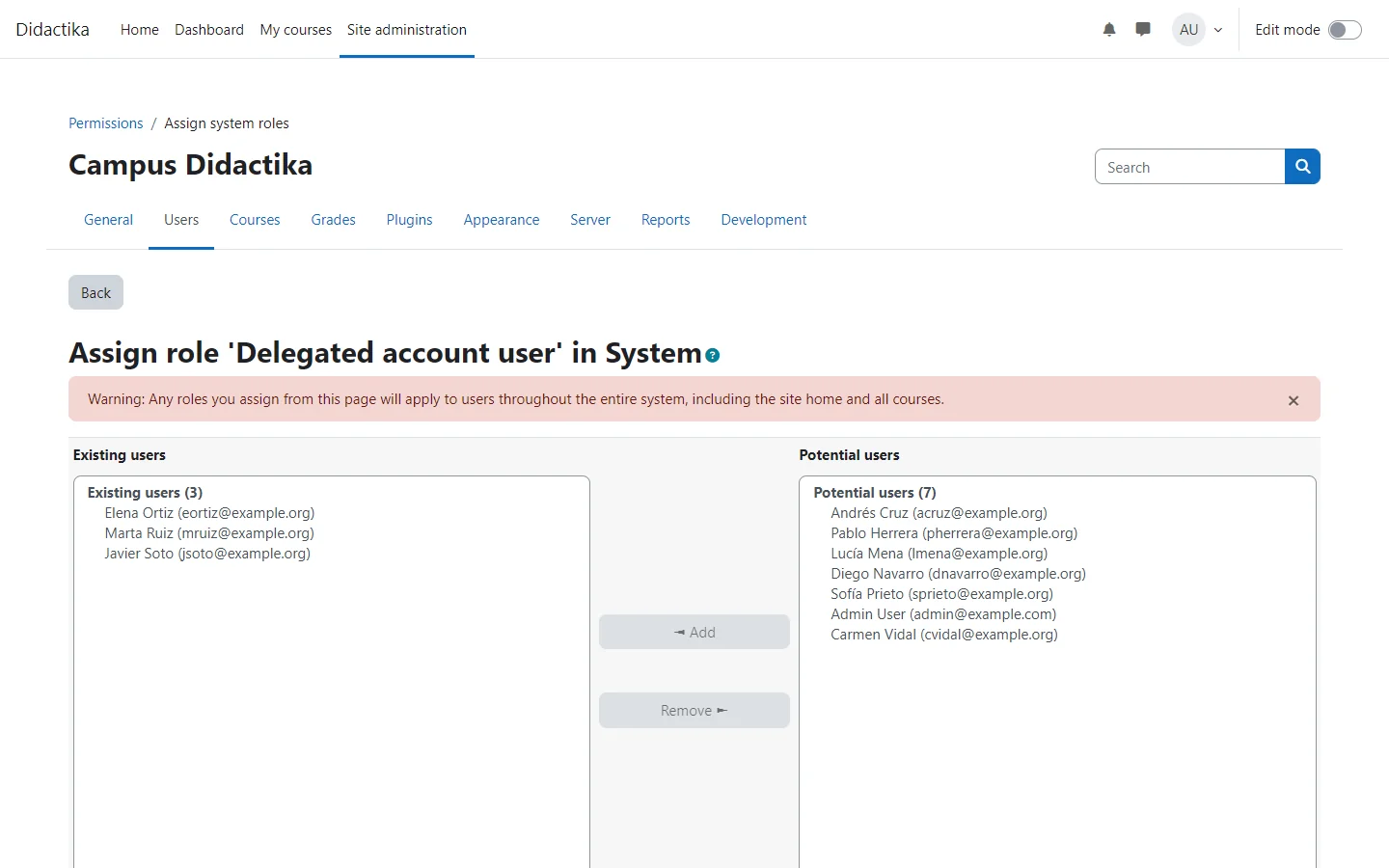
Create the role that lets people use delegations, and assign it.
The plugin adds a capability, local/delegateaccount:use (Log in as a delegated account). Nobody has it by default, so you give it through a role of your own.
- Go to Site administration > Users > Permissions > Define roles and add a new role, for example Delegated account user.
- Select System as the only context type and allow
local/delegateaccount:use. - Go to Site administration > Users > Permissions > Assign system roles, open the role and give it to the people who should be able to use delegations.
Until a role grants the capability, the management page reminds you of these two steps with links to the two pages.
The people who hold the role are the authorised users: the ones you can create delegations for. Create your first delegation.