 DOC
Guided tours
The two tours that show people with delegations how to open an account.
Two guided tours for Moodle’s User Tours are imported automatically when the plugin is installed or upgraded. They are written for the people who use delegated accounts, not for administrators.
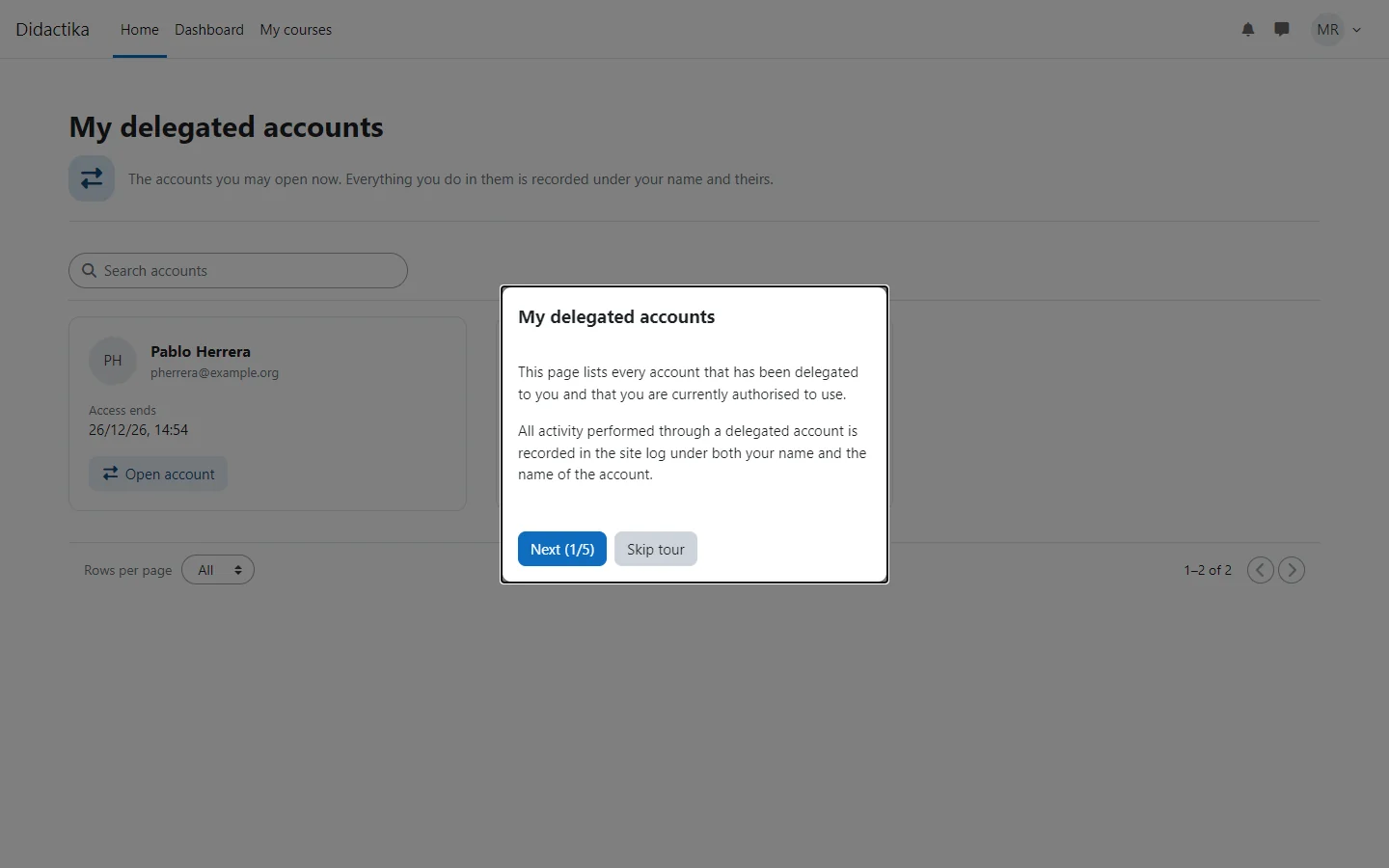
Each tour is shown only to people who currently have an active delegation, because it depends on the Delegated accounts entry in the user menu, and each person sees it once, until they finish or skip it.
| Tour | Where it appears | What it explains |
|---|---|---|
| Using a delegated account | Dashboard and My courses | Where to find Delegated accounts in the user menu and how to open an account. |
| My delegated accounts | My delegated accounts page | The cards of the accounts, until when each can be opened and the Open account button. |
A tour that already exists, identified by its name, is never overwritten, so your edits are kept. Tours can be edited, translated or disabled under Site administration > Appearance > User tours. If you delete a tour and want it back, select Import tour on that page and choose the tour file of the plugin.