 DOC
Notifications
Tell the people involved when access is granted or revoked, in their language.
The plugin can message the people involved when a delegation is created or revoked. You decide the policy for the site and, when the site allows it, the person who creates a delegation decides each time.
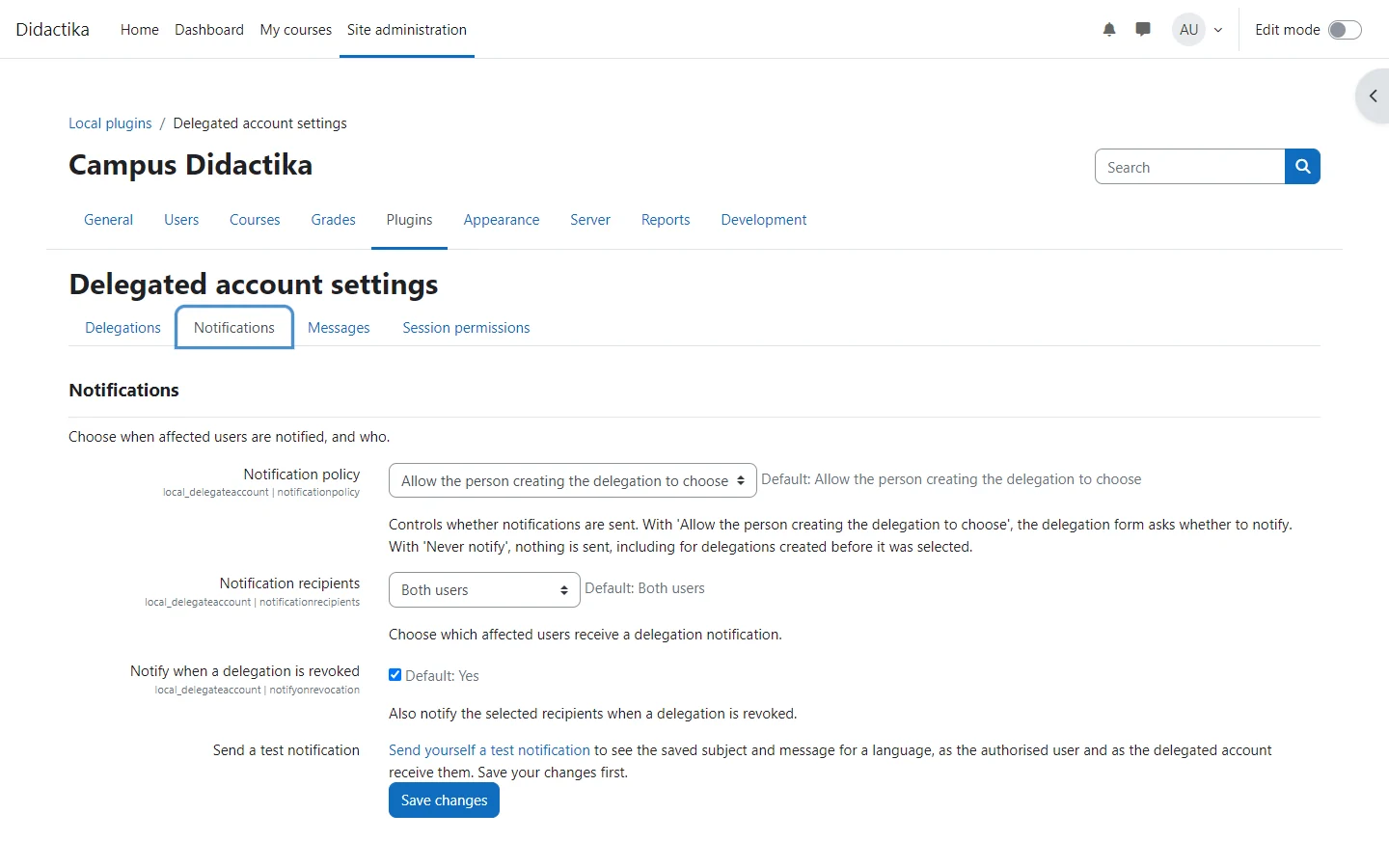
- Open Site administration > Plugins > Local plugins > Delegated account settings and go to the Notifications tab.
- Choose the Notification policy: let the person creating the delegation choose, always notify or never notify.
- Choose who receives it: the authorised user, the delegated account, or both, and whether revoking notifies too.
- In the Messages tab, write a subject and message for each installed language, or leave them empty to use the built-in text.
Each recipient gets the notification in their profile language, or in the site language when theirs is not installed. A custom message is sent unchanged to both recipients, so write it to read well for both. Empty fields use the built-in text, which is worded for each recipient.
Messages use the Delegated account notifications provider, sent as web and email notifications by default; users and administrators can change that in the usual notification preferences. Every setting is described in the settings reference.