 DOC
Use a delegated account
How a person opens, and stops using, an account delegated to them.
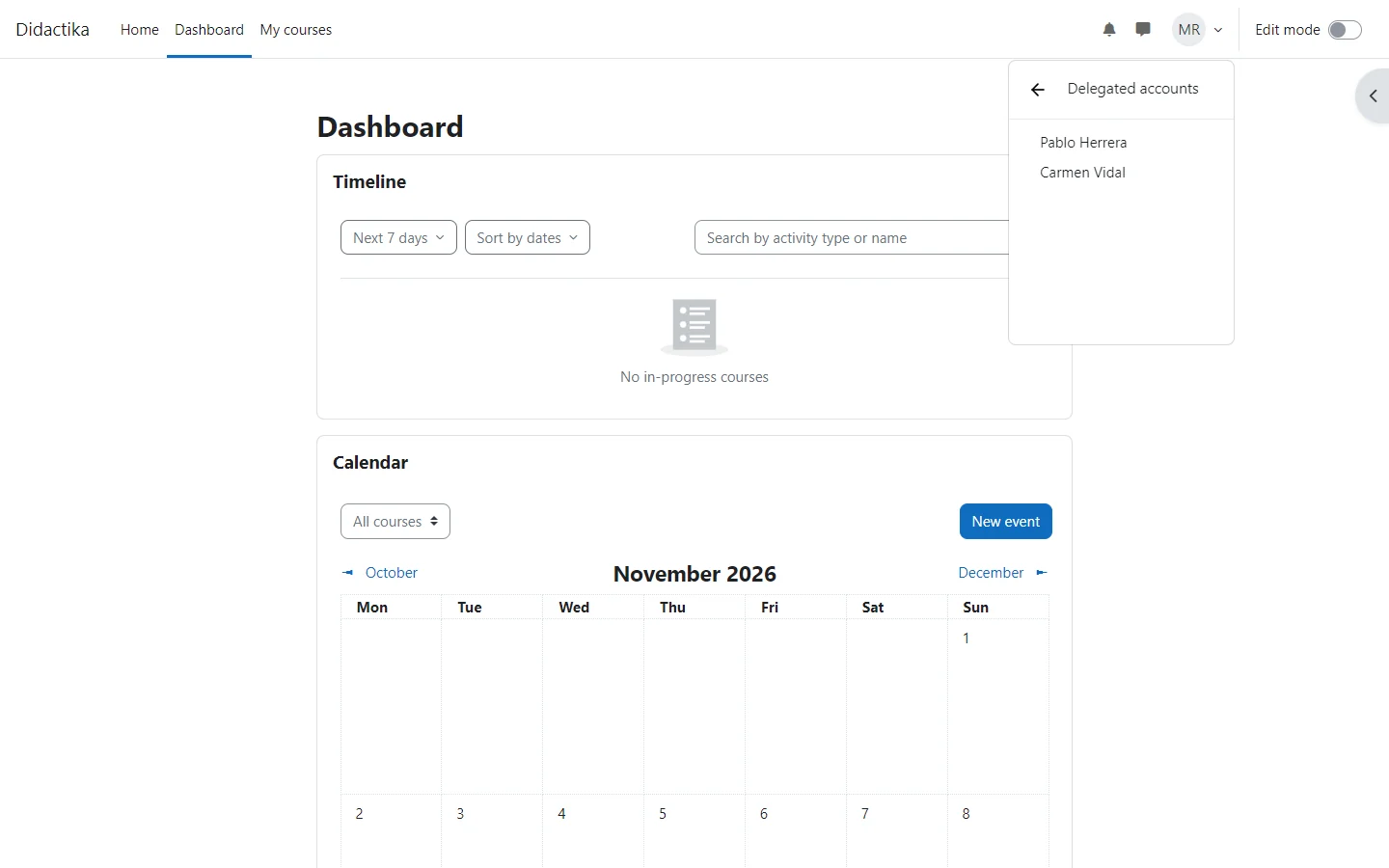
People with active delegations see Delegated accounts in their user menu. Choosing an account opens it through Moodle’s Log in as and goes to the Dashboard of that account.
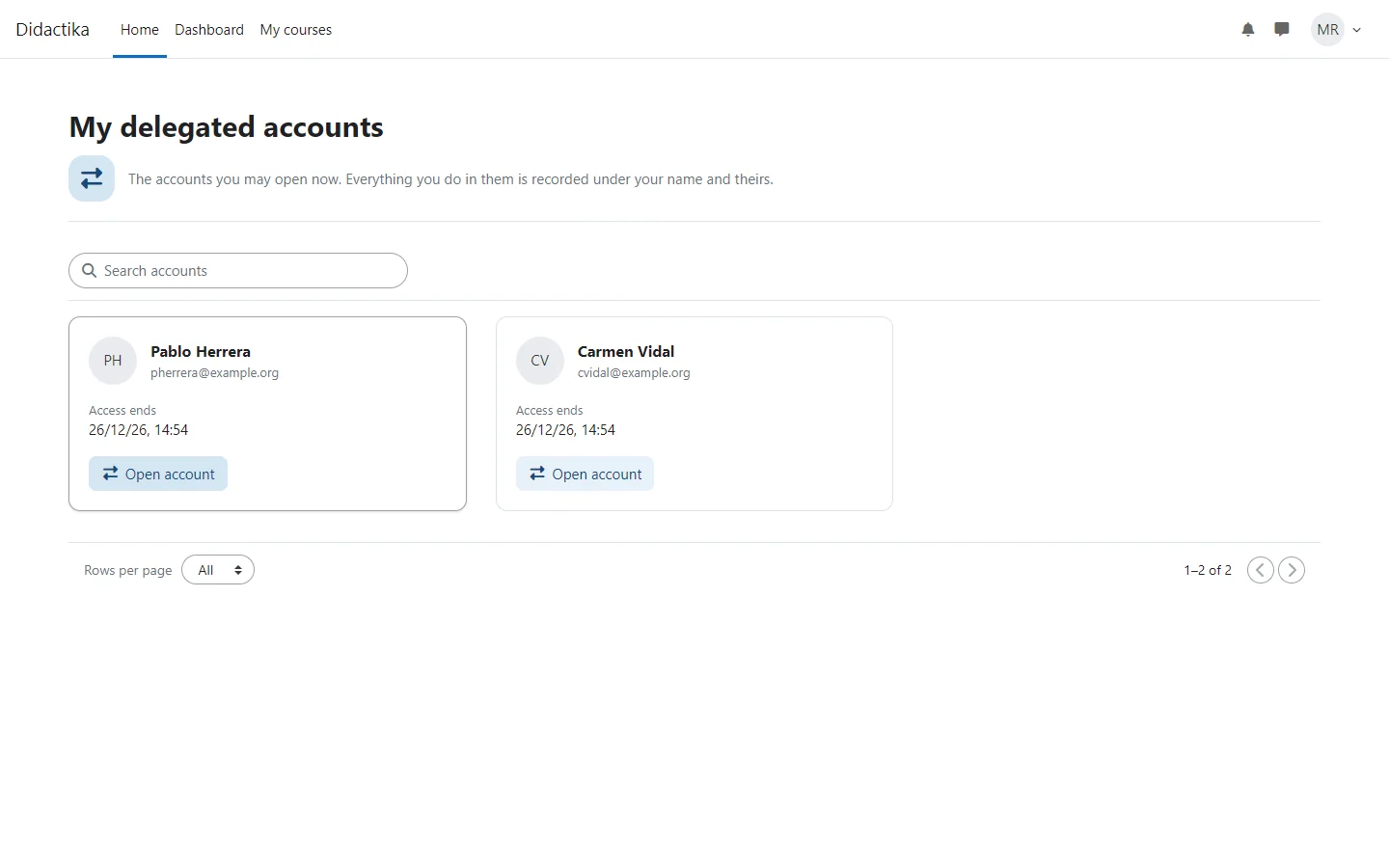
When someone has more accounts than the menu shows, View all delegated accounts opens the My delegated accounts page, with a card for each account, until when it can be opened and the Open account button.
Stop using the account
Section titled “Stop using the account”To stop working as the other account, log out. A delegated account cannot open another delegated account: log out first.